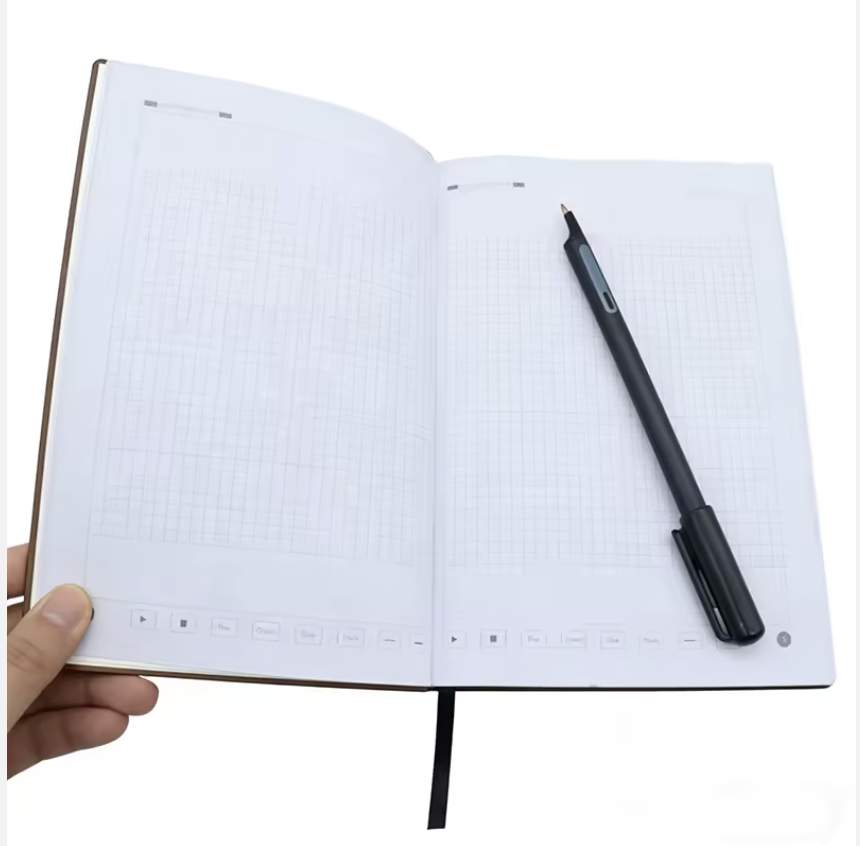
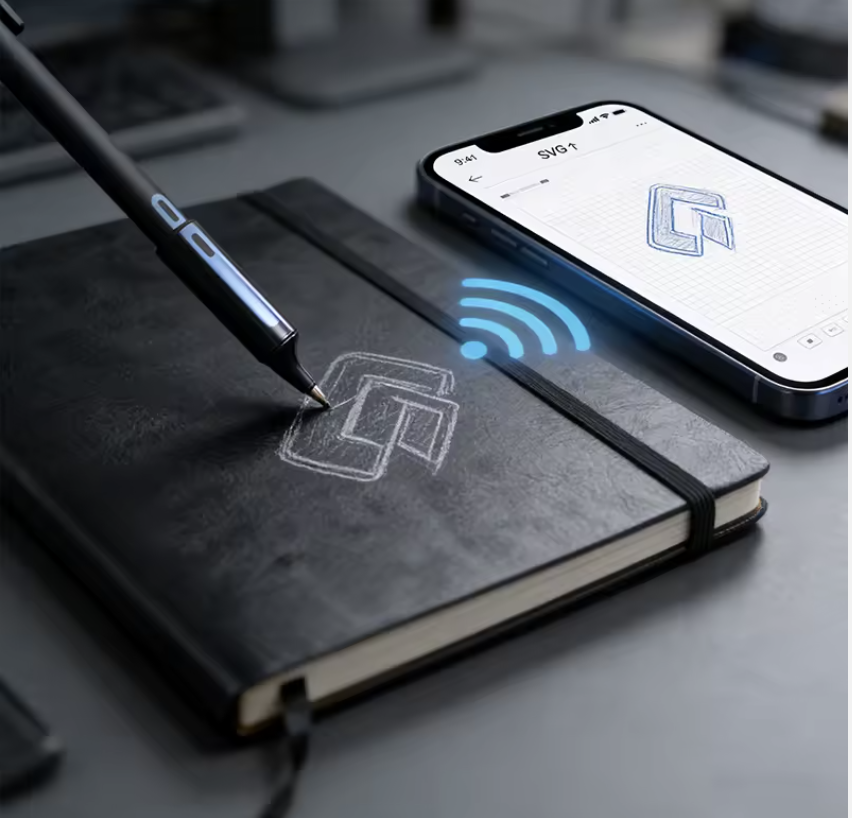
Write on compatible smart paper with a connected pen. See your notes in the InkSync app, then find, review, export, and share your work.
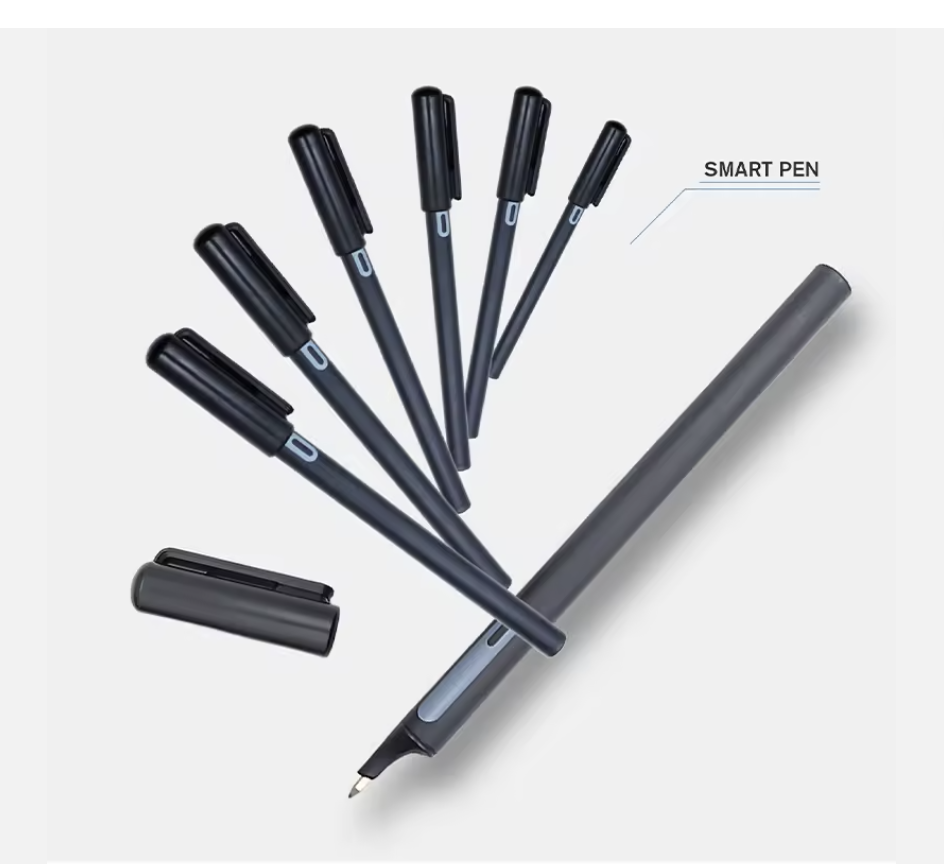
InkSync brings together compatible dot-pattern paper, a Bluetooth smart pen, and a mobile app. The pen captures your strokes; the app files them in notebooks and pages.
For live capture, keep the app open and the pen connected while writing on supported paper.
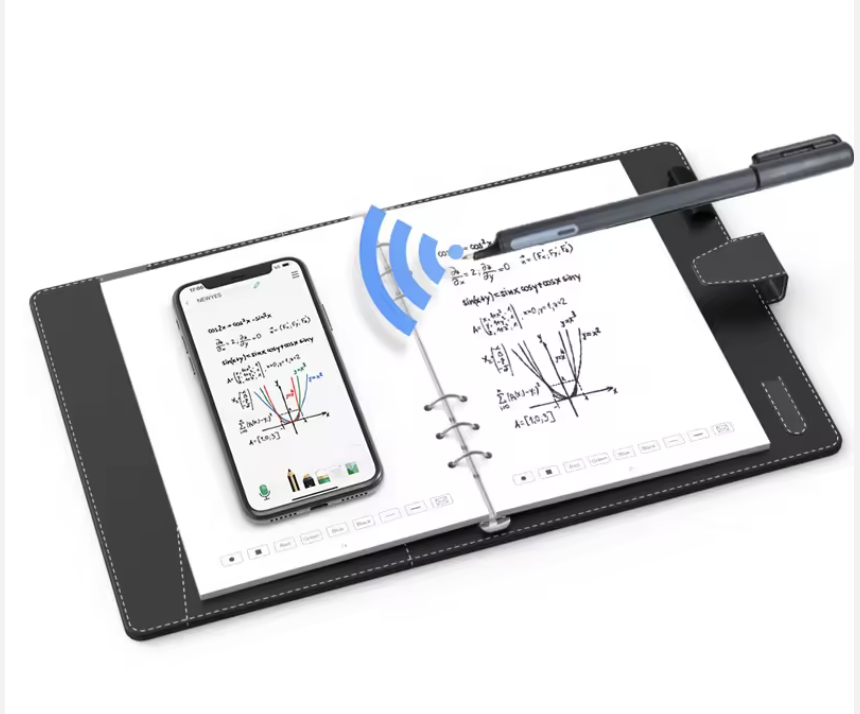
In one app
Capture ideas by hand and keep the digital tools to find and use them later.
See strokes from a compatible smart pen on the corresponding page in the mobile app.
Create notebooks, browse saved pages, and return to recent work.
Use visual guides for meetings, daily planning, lectures, and action lists.
Search recognized words and phrases, then open the matching notebook page.
Record voice notes and link playback to writing where the audio service is enabled.
Create tasks and one-time or repeating reminders in the app.
Export handwritten PDFs, reviewed typed PDFs, or page images.
Manage registered pens and protect phone-only drafts with a personal backup.
Use a blank canvas or a visual guide for the work in front of you. Templates sit beneath your writing and keep your page organized.
Templates are visual guides; handwritten marks do not automatically create digital tasks.

InkSync helps people who think best with a pen keep a more useful digital record of their work.

Meeting notes, client discussions, and follow-up reminders.

Paper-first records organized into searchable notebooks.

Site observations, inspection notes, and daily planning.

Shared workflows with a familiar writing experience.

Lecture notes, learner reflections, and study pages.

Member notebooks, event notes, and organization branding.
Plan app access, compatible pens and verified paper, onboarding, support, and an approved organization presentation together.
Explore current individual plans on the InkSync website, or talk with us about a connected notebook starter package for your team.
View Current PlansCapture, organize, and revisit handwritten notes with a compatible pen and paper.
A planned rollout for people who rely on paper-first work.
A few useful details before you start writing.
Live capture requires compatible smart paper with the pen's supported dot pattern. Standard paper and untested home printing are not guaranteed to work.
No. Accuracy depends on handwriting, language, image quality, and device support. Review recognized text before using it in a typed export.
Where the audio service and saved stroke links are enabled, tapping linked writing can play from the relevant moment. Audio transcription is not included.
Account-saved data can load after sign-in. Use a personal backup for phone-only drafts, recordings, and pen recovery files.
No. Templates are visual writing guides. Create digital tasks and reminders separately.
Confirm supported pen and paper models, account access, brand assets, plan and storage limits, audio availability, support contacts, and privacy information.

A successful setup starts with a verified pen model and dot-pattern paper. Select the actual paper size, confirm the page address when prompted, and save your work before closing the writing screen.
Review recognized handwriting before sharing a typed export, and keep a separate personal backup for files stored only on your phone.
Ask About CompatibilityKeep handwriting as handwriting, or prepare a reviewed document for sharing.

Preserve the page's written strokes and layout.

Correct recognized text before saving a typed document.

Export a page as a PNG image for the next step.
Tell us about your team, your writing workflow, and the pen and paper you plan to use.
We can discuss compatible pens and paper, app access, organization branding, onboarding, storage, and support for your rollout.
Nigeria